Image Cropping for Profile Pictures Perfect Fit for Every Platform
The Significance of Accurate Cropping for Profile Pictures
Profile pictures are integral to every individual’s identity across all social networks, job portals, and online forums. With appropriate cropping, pictures appear to be professional, polished, and approachable. When cropping images, excessive margins, and distractions must be removed to draw focus on the face.
Different image upload and cropping formats are in place on all social networks. When the original image crop has the wrong positioning, the profile picture displays lost head or excessive margins. The impacts of the profile picture will remain the same across all cropping formats through accurate cropping of images.
Improper cropping on one of the social networks points to lack of attention to detail on the different social networks. When images are appropriately cropped to maintain a uniform presentation across a multitude of platforms, it demonstrates attention to detail.
Improper cropping on one of the social networks indicates lack of attention to detail on the different social networks. When images are appropriately cropped to maintain a uniform presentation across multiple platforms, it demonstrates attention to.
Across all professional and personal platforms, properly cropped images will yield the best professional results and improve online cohesion and recognition across different profiles.
Some of the Most Used Platforms and Their Length
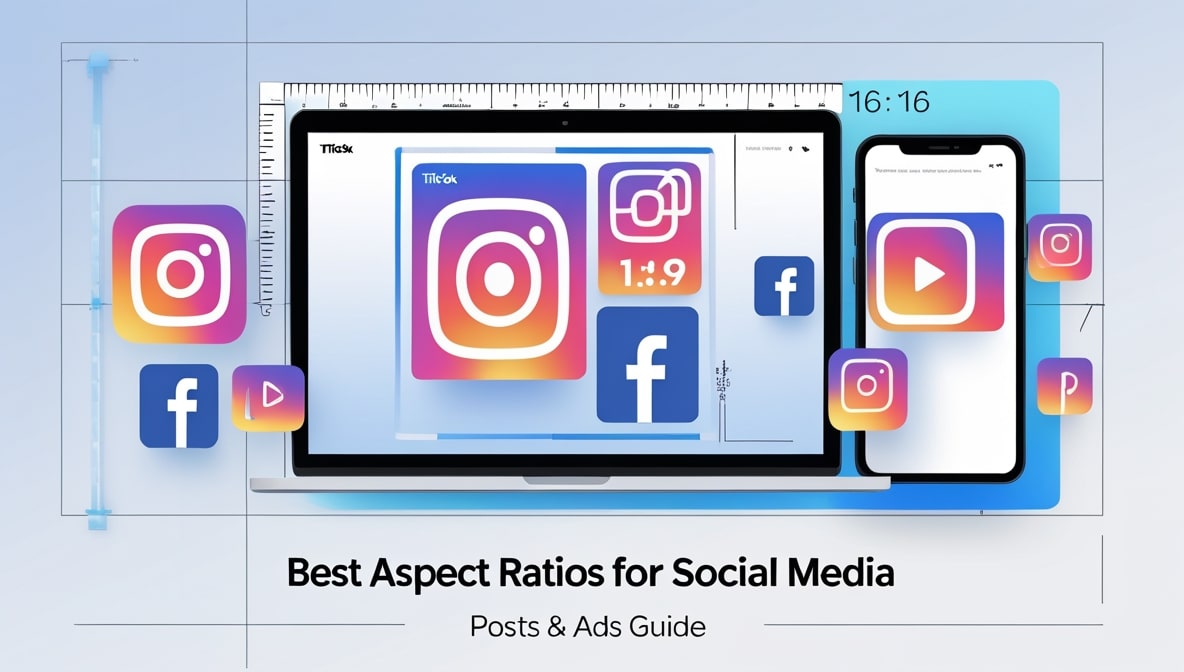
Profile images for all major platforms have specific requirements in terms of sizing. Correct dimensions ensure that images are not automatically cropped and that the image maintains a high quality. Facebook suggests displaying images that are approximately square shaped to be about 170 pixels by 170 pixels. For uploads, the images can be larger. For Instagram, images that are displayed to be 110 pixels tall and 110 pixels wide are the most effective. LinkedIn suggests square shaped images that are 400 pixels by 400 pixels. This suggests that larger images can be compressed without loss of clarity.
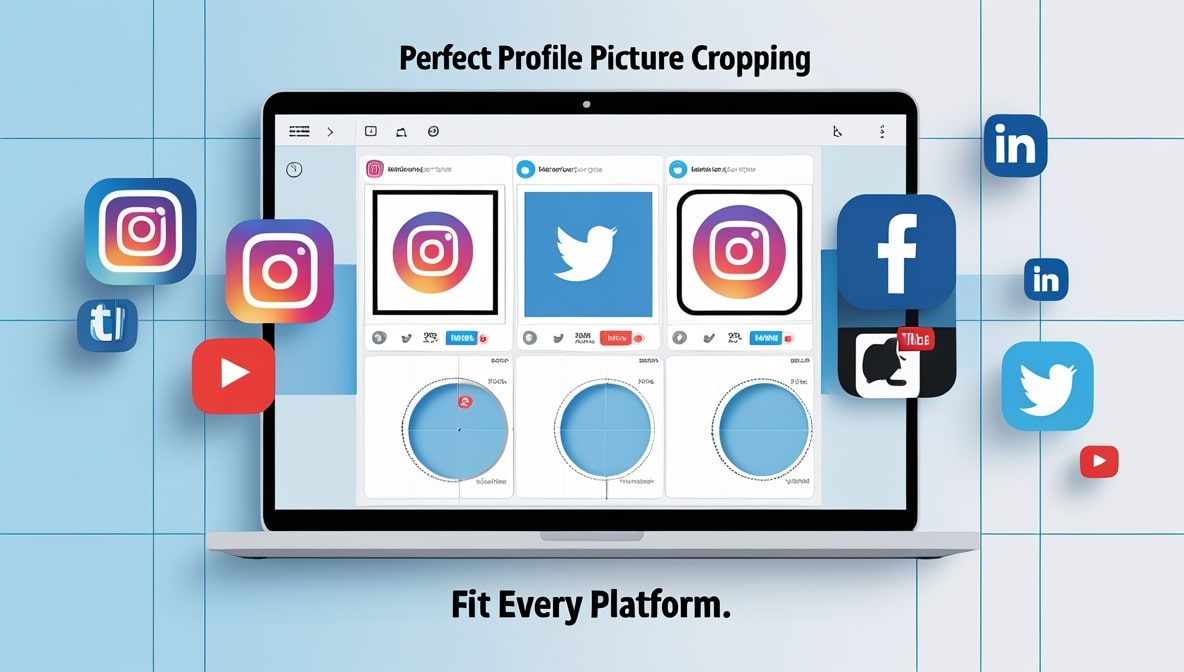
Now called X, Twitter crops images into circular shapes, so the displayed images should be large with a face and some surrounding space. YouTube and TikTok also tend to prefer images that are square and like a rectangle. As shown, social media networks prefer images that are cropped square. This supports both desktop and mobile layouts.
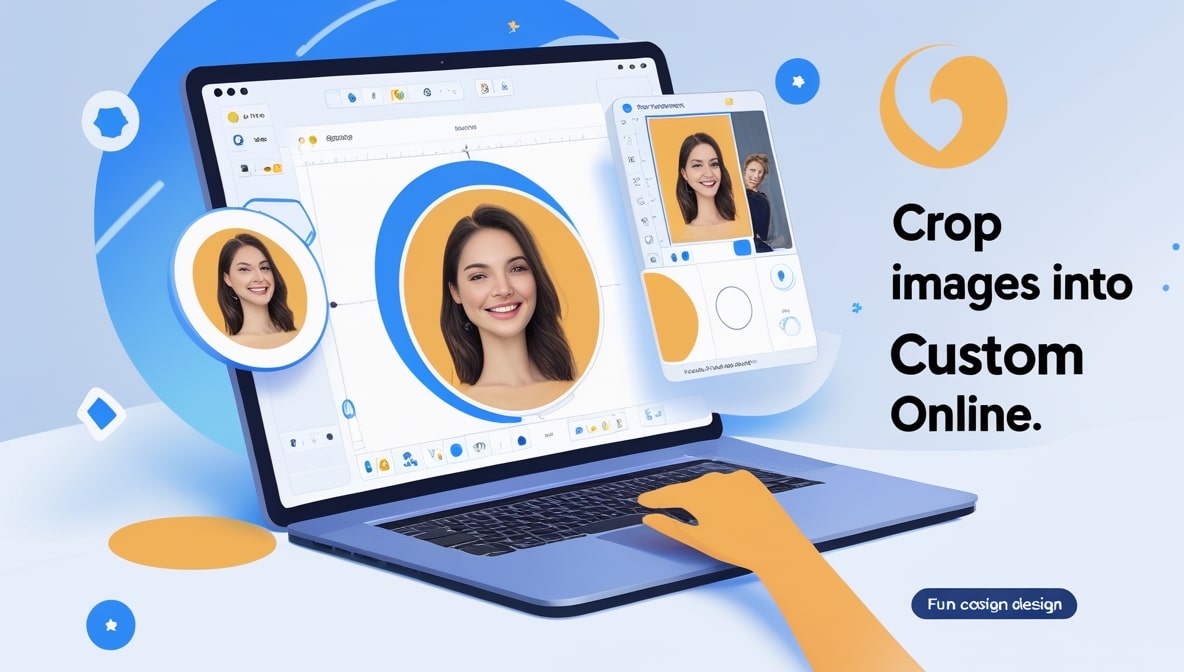
Profile images are displayed in squares. In many cases, images that are displayed are circular, but the uploaded images are square shaped. Because images tend to be displayed square, there needs to be some edge surrounding the image to prevent cropping out important features.
When these tips are understood, cropping can be done once and can be reused across social media without worry of image quality. Free tools like Canva and Photopea help with more advanced composition. Software like Adobe Products and mobile apps like Snapseed and Lightroom allow more advanced editing and cropping with guidelines.
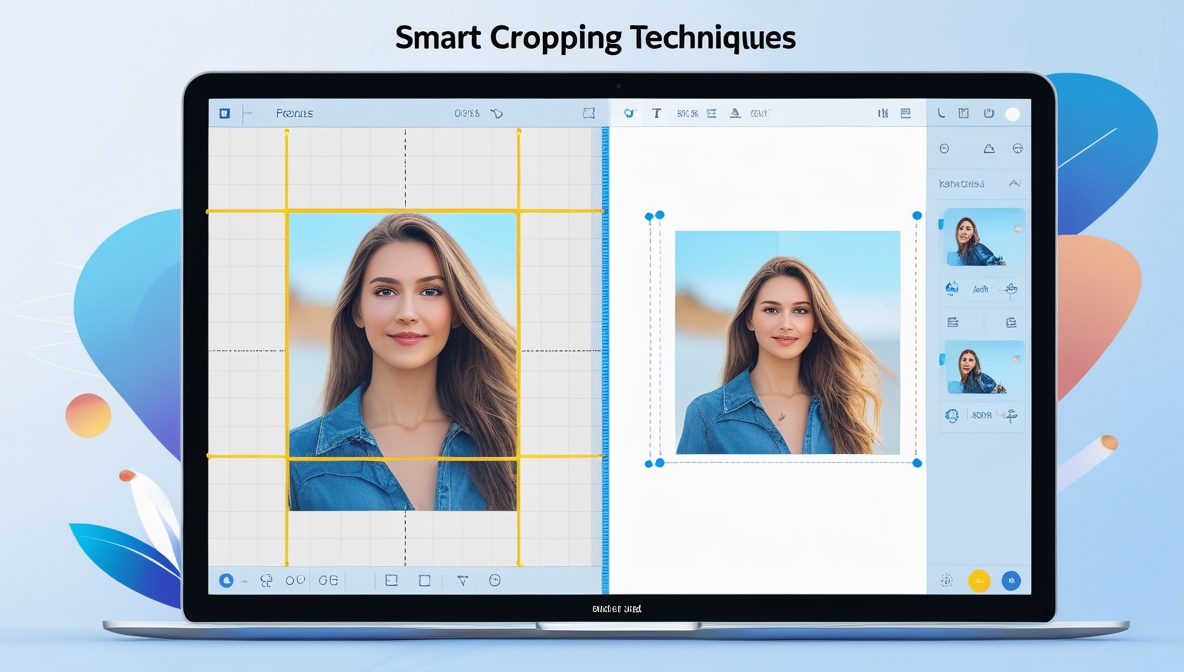
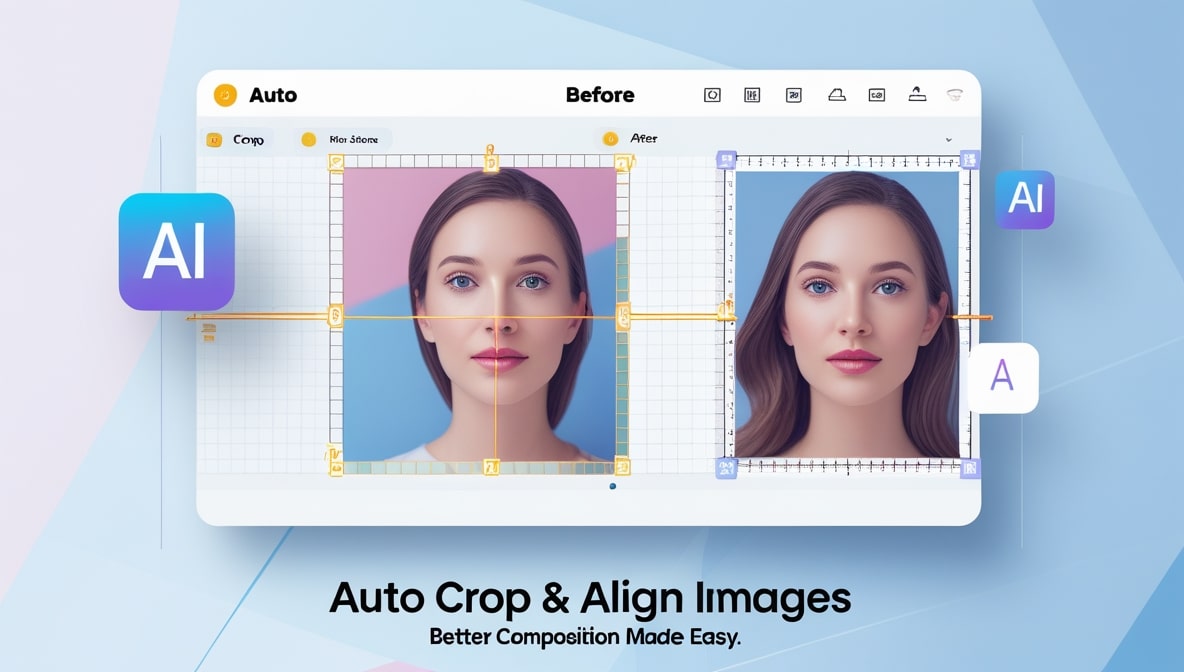
Pick apps that show you composition line guidelines. Feature that allow you to lock your crop to a ratio are very handy. Reference different cropping software to find one that feels comfortable. Free applications are best for common cropping needs and advanced software for multi-profile management. Prefer software that allow you to preview to circular or square limits to your crop.
Keep these guide lines in mind when cropping to maintain a reliable work process.
Need help creating a good profile picture? Here's what to do. Make sure you start with a quality picture.
Use these tips as your guides:
- Load your chosen cropping tool and image
- Select the platforms preferred site ratio
- Align your eyes to the top line of the thirds guide.
- Adjust the crop box so the top of your head has a little space above it.
- Make sure both of your shoulders are showing for a more natural appearance.
- Look at how the image may be formatted as a circle or a square.
- Finalize your crop and save the image, making sure the name is identifiable.
- Check the image as it will appear on the platform by looking at it at 100%
Save a copy of your original image at the beginning of this process to protect the image. If needed, repeat these steps for other social media platforms.
You can skip to the tips section if you'd like to skip the steps section. Place the crop box where you'd like it, after zooming in as needed, to keep your eyes level and centered.
Save a copy of your image for each step so you can take a step back if needed. This method makes the workflow more pleasant and break the task into smaller steps so it is a great way to save work for anyone.
Tips to Ensure Your Profile Image is Outstanding with Cropping
Attention to detail is important if you want your profile image to stand out. The background is something to be aware of, and if you have a competitive, busy background, people may not see your face.
Lighting may be the most important thing to ensure even and no shadows on you and bright.
Dressing in something that compliments the background is great.
When using a social media that utilizes circular cropping, ensure to have headroom so your head won't be cropped. This is something people notice.
For the best personal brand on the web, you need consistent styling. Use a slightly altered profile picture on a regular basis.
When using a photo that isn’t straight, you can rotate the photo. However, you should avoid major changes. Edit stray things out of the photo. It’ll help.
After Cropping
Upload the new picture to each profile. Check how the picture is on the different displays.
Before confirming the crop, get some opinions. Check the focus and the crop of the photo.
For the different social media sites, you should save the different versions. Don’t forget to change the picture often!
Keen cropping on undeniable results.